Digital Marketing Tools for Tradies: What to Set Up First
The digital marketing tools a tradie should set up first in Australia: Google Business Profile and Google Ads, what each costs to start, and the order to set them up.
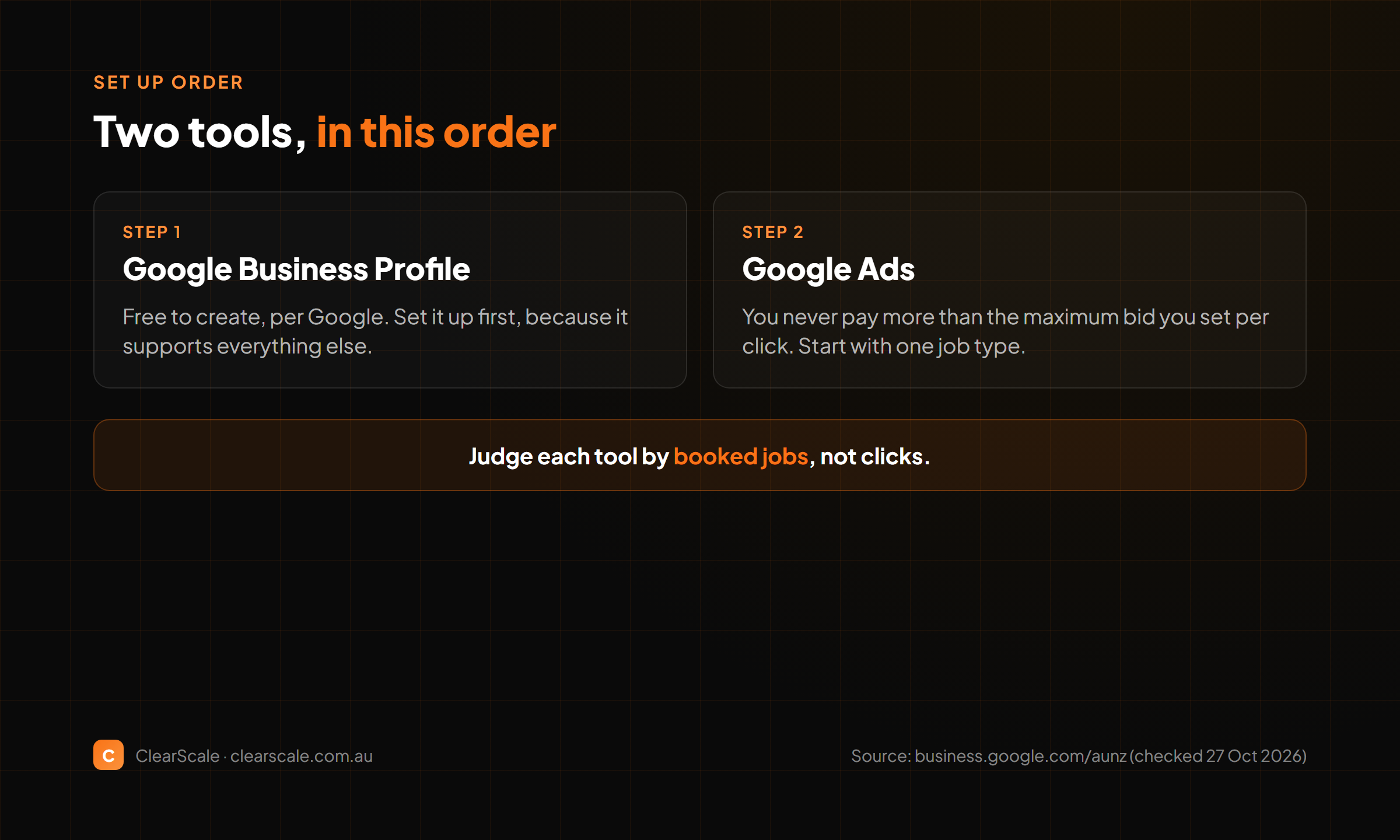
TL;DR: Most tradies do not need a long list of marketing tools. Start with the two that put you in front of people searching for your work: a Google Business Profile, which is free to create, and Google Ads, where you never pay more than the amount you set for a click. Set up the profile first, because it is free to create and supports everything else. Add paid ads only once you know who you want to reach and what a booked job is worth to you.
A tradie's marketing problem is usually not a shortage of tools. It is that the tools are not connected to the work. A profile nobody updates, an ad with no follow-up and a website that does not show the job types you want all waste the same money.
This guide covers the two tools worth setting up first, what each costs to start, and the order to set them up in. It is deliberately short on tools. Every other tool you add should earn its place by fixing a gap these two leave open.
For how marketing spend fits into a budget, see our tradie marketing budget guide. For the lead sites that send enquiries your way, see lead generation sites for tradies.
Tool 1: Google Business Profile
A Google Business Profile is your business listing on Google. Google's Australian business page says that "creating a Business Profile and listing your business on Google is free." You can also "create your profile at no cost," and manage it from Google Search and Maps.
What to do with it:
- Use your real business name, your real service area and your real phone number.
- Choose the trade descriptions that match the work you actually do, not the ones you wish you did.
- Add photos of recent jobs, with your client's permission.
- Reply to reviews in the same week.
Where it falls short: the profile needs accurate details and regular attention, and it works best alongside a website that shows the same services.
Tool 2: Google Ads
Google Ads is paid advertising on Google. The setup starts with choosing the search terms you want to show up for, and the job you want more of.
Google's Australian bidding page says "you'll never pay more than the amount you set for a click on your ad." That is the core of the cost model: the most you pay for a click is the amount you set. Your total spend depends on how many people click, so set a budget you can afford to lose while you learn what works.
What to do with it:
- Start with a small budget and a short list of terms that match the job you want.
- Send clicks to a page that names the job, the suburb and the way to book.
- Track which terms bring booked jobs, not only clicks, and cut the ones that bring neither.
- Pause the campaign if the cost per booked job goes above what the job is worth to you.
Where it falls short: paid clicks include clicks from people who will never hire you. Without tracking booked jobs, you will not know whether the spend is working.
How to Set Up Your Google Business Profile
Set the profile up in one sitting so it is complete from the start, then keep it current.
- Create the profile with your trading name. Use the name your customers know you by, and match it to your invoices and vehicle signage so the listing is consistent everywhere.
- Name the areas you actually drive to. List the areas you go to for a normal job, so the profile matches where your work comes from.
- Pick the trade descriptions that match your work. Start with the main trade, then add secondary ones only where you do that work regularly.
- Add your hours and phone number. Use a number someone answers during the hours you list.
- Upload photos of finished work. Use clear photos of completed jobs, and only use a client's property or name if they have agreed to it.
- Write a short description. Say what you do and where, in plain words. Avoid claims you cannot back up with a job, a licence or a qualification you hold.
- Set a monthly check. Review the listing once a month. Update the hours, add new photos and check that no details have changed.
A profile that was right in March and wrong by October is worse than a short one kept current.
How to Set Up Your First Google Ads Campaign
Start small. The goal of the first campaign is to learn which search terms bring enquiries, not to fill the diary in a week.
- Choose one job type. Pick the job you most want more of, such as a specific repair or install. One job type per campaign keeps the results readable.
- Set a budget you can afford to lose. Judge the first two weeks by what you learn, not by the number of clicks.
- Set the most you will pay per click. This is the amount you set for a click, and it limits what any single term can cost you per click.
- Build a short list of search terms. Use the words a customer would type when they need the job, and add the suburb or area you serve.
- Write an ad that names the job and the area. Say what you do and where, then the next step. Avoid claims you cannot back up.
- Send clicks to a page about that job. A page that names the job, the area and how to book is more useful to a searcher than the home page.
- Review the terms after two weeks. Keep the terms that bring booked jobs, pause the ones that bring clicks but no bookings, and add new terms that match the enquiries you did get.
Once one job type works, copy the campaign for the next job. Do not add several job types to the first campaign, because you will not know which one is working.
The Order to Set Them Up
Set these up in this order, so each step makes the next one cheaper to run.
- Create the Google Business Profile. Creating it is free, and it supports every other step.
- Fill in the profile fully. Add your service areas, trade descriptions, hours, photos and phone number.
- Ask recent clients to leave a review. Send a short message after a finished job.
- Check that your website names the same services. If the profile says electrician and the website says general repairs, fix the mismatch first.
- Set up Google Ads with a small budget. Target a short list of terms that match the work you want, and send them to a page that names the job.
- Track booked jobs from each source. Record where every booking came from, so you know what to keep paying for.
Comparison: The Two Tools Side by Side
| Point | Google Business Profile | Google Ads |
|---|---|---|
| Cost to start | Free to create, per Google's Australian page | You pay for clicks, and never more than the amount you set per click |
| What it does | Your business listing, managed from Google Search and Maps | Paid ads for the search terms you choose |
| Main cost risk | Time spent keeping it accurate | Clicks that never turn into booked jobs |
| Set up first? | Yes, always | Once you know which jobs you want |
| Best fit | Every tradie with a service area | Tradies with a clear job type and a booking process |
Mistakes That Waste Marketing Money
- Paid ads before the profile is ready. Send paid clicks to a profile that is complete, not a thin one.
- Broad search terms. Terms that match many kinds of work spend your budget on enquiries you do not take.
- No booking process. An ad that sends people to a generic page loses the enquiry at the last step.
- Tracking clicks, not jobs. A cheap click is not a win if it never books.
A Simple Monthly Routine
Use the same routine each month so the numbers stay comparable.
- Week one: check the profile for wrong details, add photos from recent finished jobs and reply to any new reviews.
- Week two: review the ad terms and the bookings each one brought in, and make one change at a time.
- Week three: read the enquiries that did not book. Note the reason in one line, such as price, timing or area, and look for a pattern.
- Week four: decide whether to keep, change or stop each tool based on the bookings it brought in that month.
Make one change at a time, so you know which change caused a result.
FAQs
What is the best digital marketing tool for tradies in Australia?
For most tradies, the best starting point is a Google Business Profile, because creating it is free. Google Ads is the next step once you know which jobs you want and can track the bookings it brings in.
Is a Google Business Profile really free?
Google's Australian page says creating a Business Profile and listing your business on Google is free. Check the current terms when you set it up, because Google can change how its tools are offered.
How does Google Ads charge for clicks?
You set the amount you will pay for a click on your ad. Google says you will never pay more than that amount for a click. Your total spend depends on how many people click, so set a budget you can afford to lose.
How much should a tradie spend on Google Ads to start?
Start with a budget you can afford to lose while you learn which terms bring booked jobs. Judge the spend by cost per booked job, not by the cost per click.
Do I need a marketing tool for everything?
No. Most tradies get the most from a profile that is kept up to date, a website that names the work, and a way to track bookings. Add other tools only when they fix a gap you can see in your numbers.
Want help implementing this? Book a strategy call at clearscale.com.au.
-- Lachy, Founder @ ClearScale
Last updated: 4 November 2026. Platform terms change, so check each tool's current pricing before you spend.

Founder & Systems Architect, ClearScale
Lachlan builds the websites, automations, and AI systems that get local service businesses more calls, more reviews, and more booked jobs. More about ClearScale →
Ready to get more jobs?
See everything we do to help local businesses get more calls, more reviews, and more booked work. Give us a ring — no pressure, no BS.